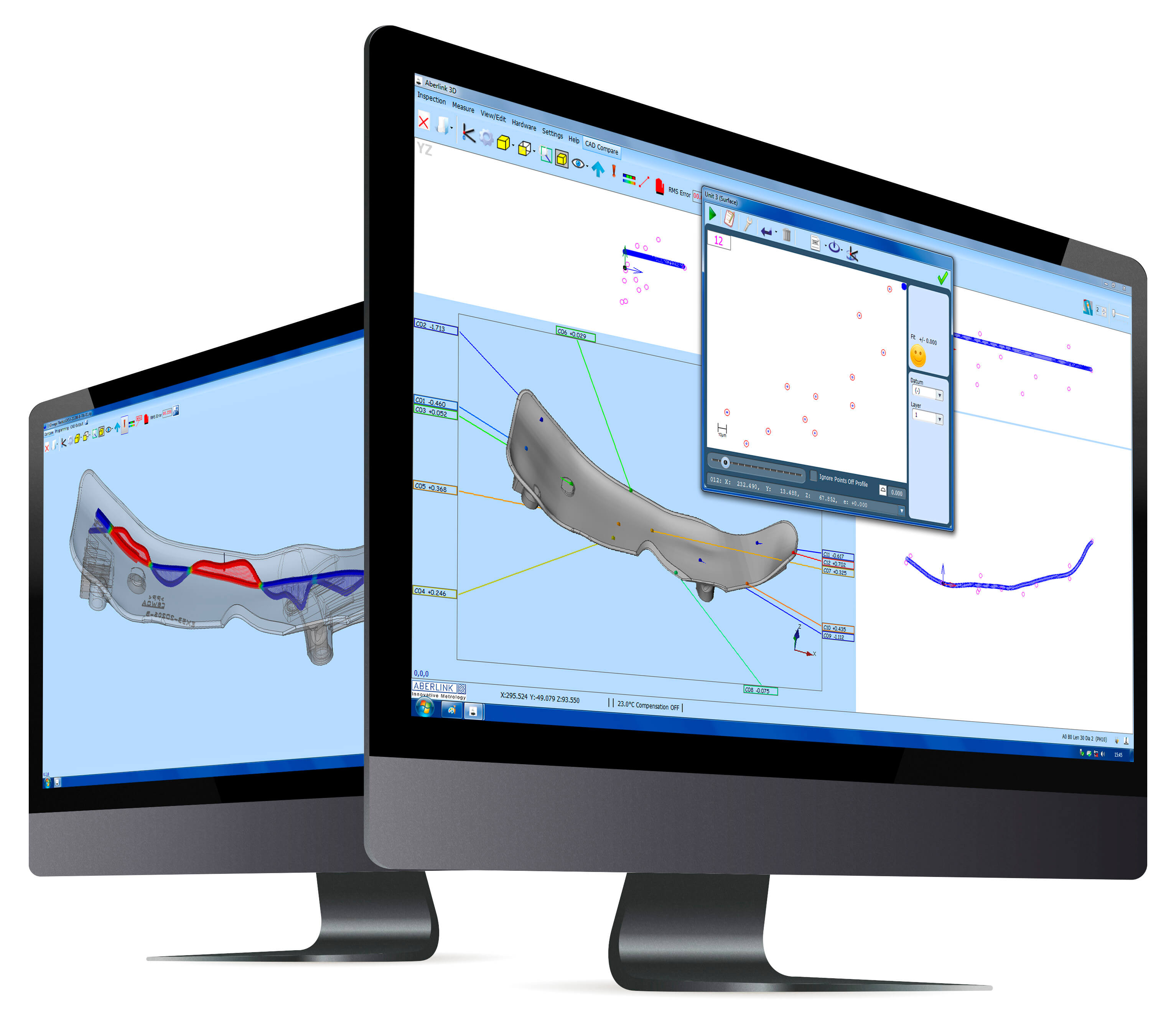
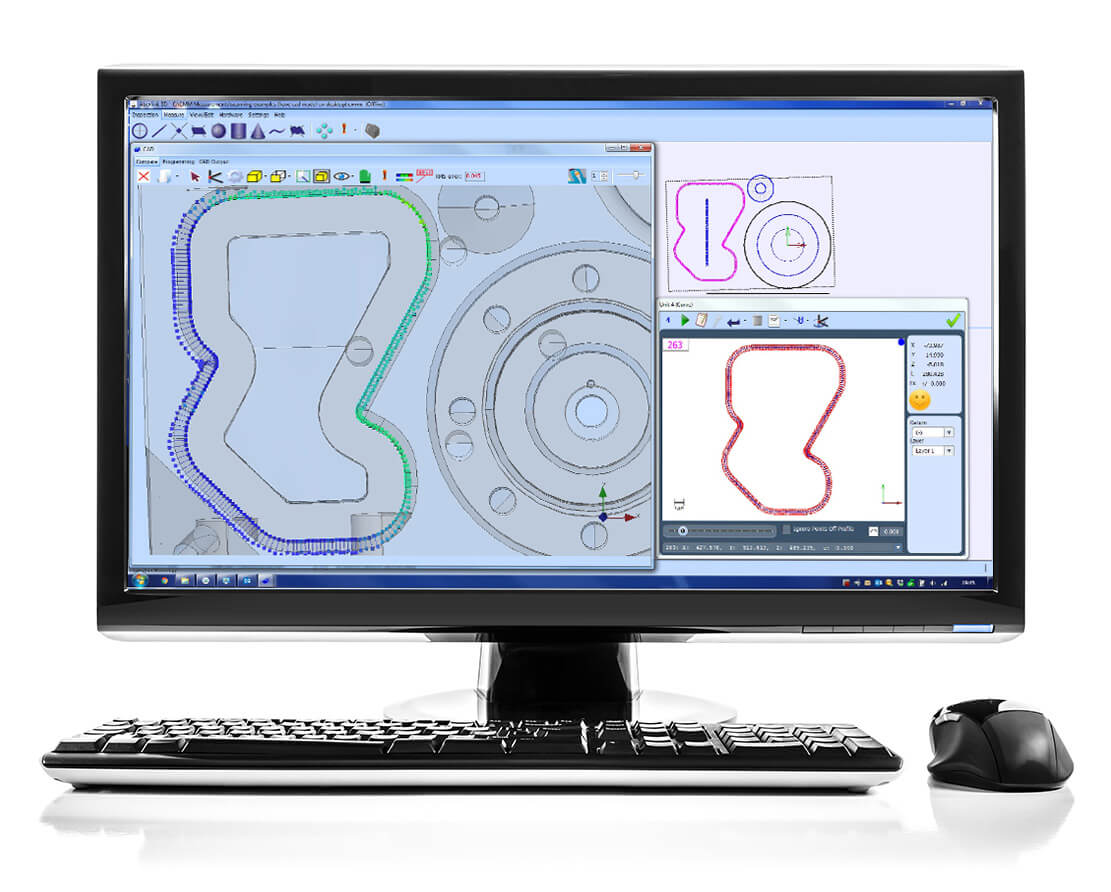
The Aberlink CAD Comparison software module enhances Aberlink 3D with the capability to compare measured points to a CAD model. This may be the best way to measure complex geometries, or to inspect parts for which drawings do not exist.
Powerful alignment routines allow measurement points to be best-fitted to the model. Colour coded errors can then be displayed on the model to produce both graphical and tabulated reports that are extremely clear and very easy to understand.
Aberlink’s CAD comparison module allows the input of either STEP or IGES files as standard and allows reports to be exported as an Excel spreadsheet. It really does make measuring complex parts easy, whether on a manual or CNC CMM.
We use necessary cookies to make this site work, we also use optional analytics cookies to enhance user experience - but these are disabled by default See our Cookie Policy
Accept All Reject All Settings

 + 353 1 8307744